Players
Player profiles link real people to Steam IDs, display names, pictures, and optional team associations. The app uses them to enrich GSI data for overlays.
Written By Akkeoh
Last updated 5 months ago
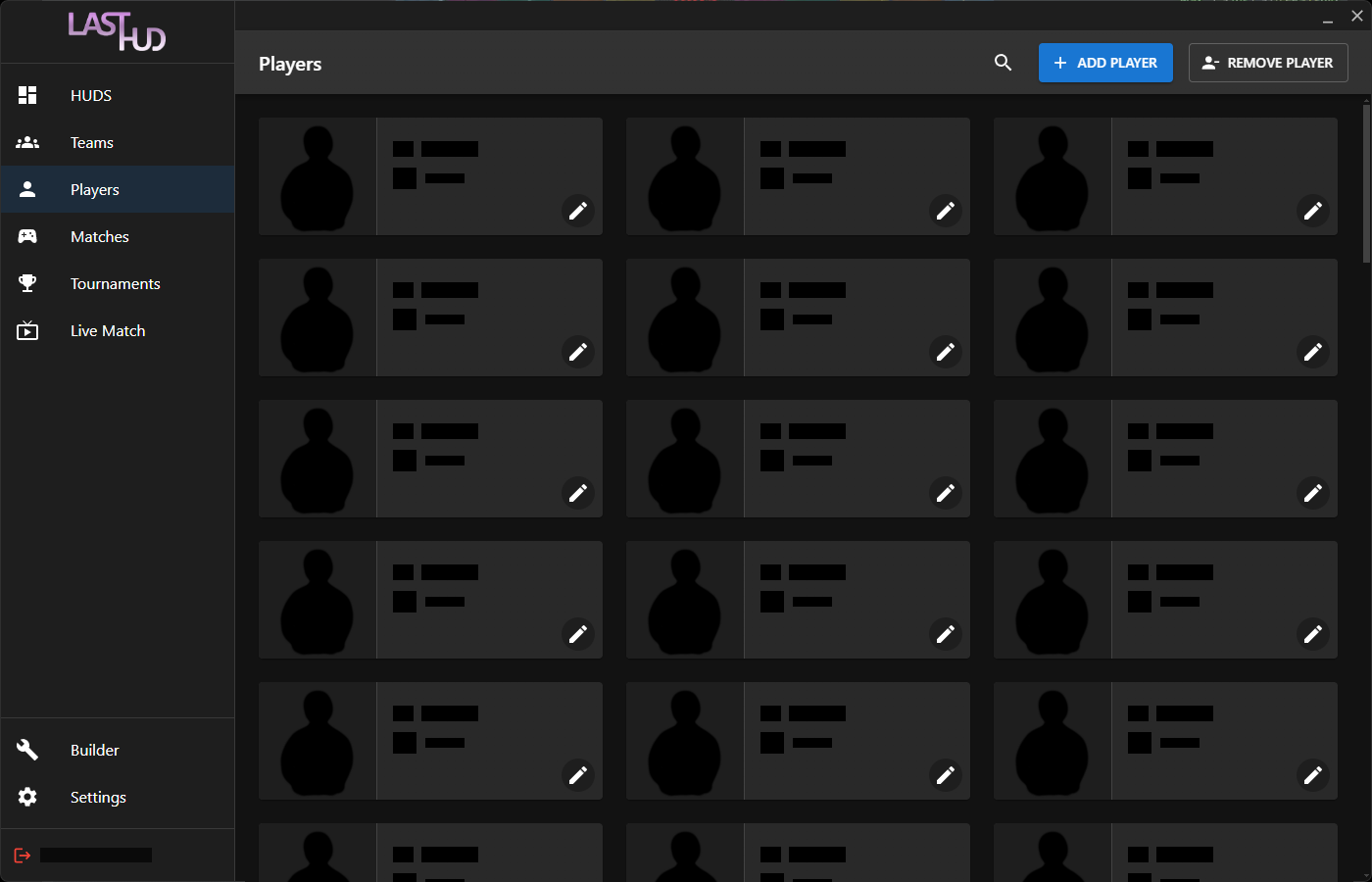

The user can search, add and toggle remove in the header.
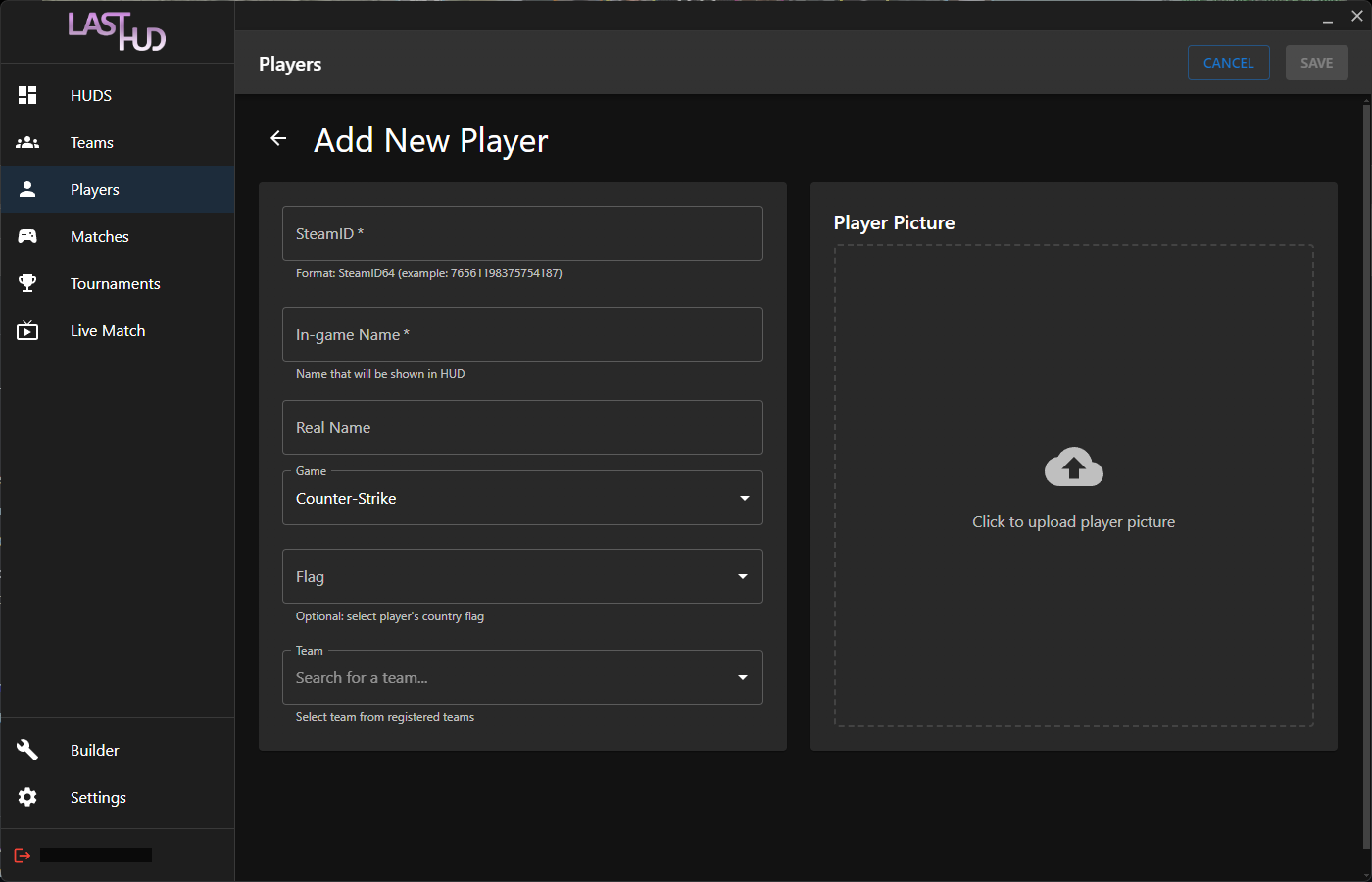
Fields when adding players:
Required:
- SteamID (as SteamID64)
- In-game Name
- Game
Optional:
- Real Name
- Flag
- Team
- Player Picture
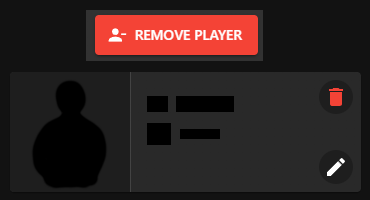
When remove player is toggled, there is a trashcan on the top right of the player where the user can remove them from the app.